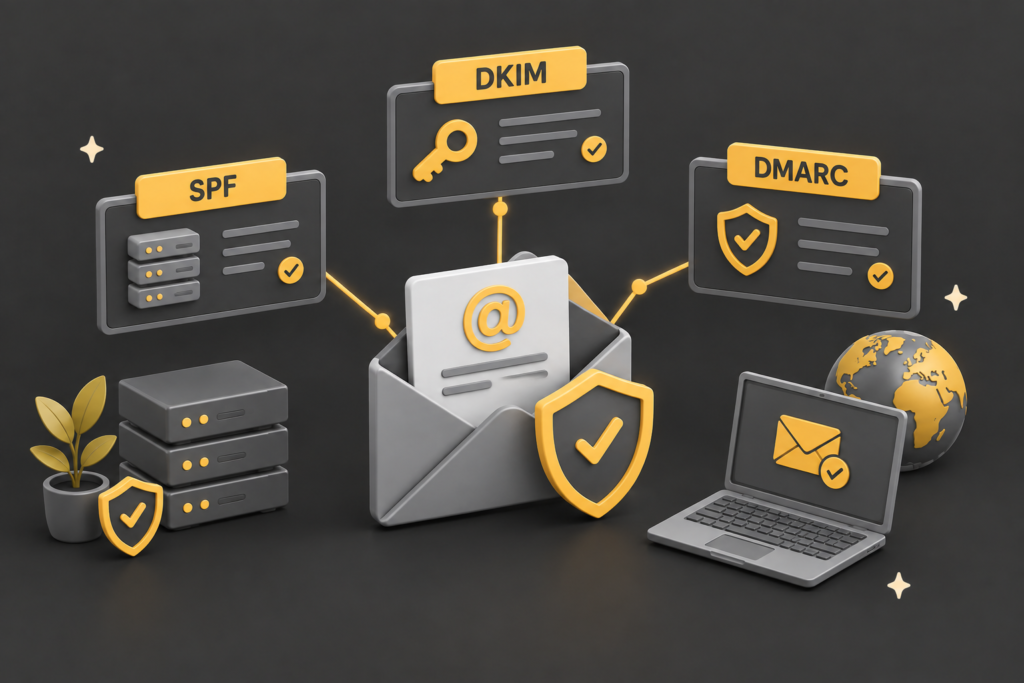
TL;DR: SPF, DKIM, and DMARC are three settings on your domain that prove your emails really come from you. Together they keep your mail out of the spam folder and stop scammers impersonating your business.
They are not just for big companies. Since 2024, Gmail, Yahoo, and Microsoft have tightened the rules, and getting these three records right is now the baseline for reliable email delivery. QED Web Design is a WordPress studio in South Brent, Devon, and we set these up as part of getting a business online.
This guide explains each of the three in plain English, why they matter for a small business, and how to check whether yours are set up correctly.
Key Takeaways
- SPF, DKIM, and DMARC are three DNS records that together prove an email genuinely came from your domain.
- They protect deliverability (staying out of spam) and stop criminals spoofing your business to scam your customers.
- According to Red Sift’s December 2025 analysis, 83.9% of domains studied had no visible DMARC record at all.
- Since 2024, Google, Yahoo, and Microsoft have required all three from bulk senders, with Gmail rejecting non-compliant mail from November 2025.
- Publishing a DMARC record is not the same as being protected: a monitoring-only policy collects reports but blocks nothing.
SPF, DKIM, and DMARC are three of the most important settings on your business domain, and also three of the most ignored. They sound like the sort of technical alphabet soup you can safely leave to someone else, and for the mechanics you largely can.
But understanding what they do matters, because getting them wrong quietly sends your legitimate emails to spam and leaves the door open for criminals to impersonate your business.
At QED web design we configure these records as a matter of course when we get a client online.
This guide explains all three in plain English, why they now matter more than they used to, and how to check yours are actually working. If you are earlier in the journey, our guide to professional email for business covers the ground before this one.
Why should a small business care about email authentication?
A small business should care about email authentication for two concrete reasons: deliverability and impersonation. Get these records right and your emails reach the inbox; get them wrong and they land in spam or, worse, a scammer sends emails pretending to be you.
The impersonation risk is not hypothetical. Business email compromise, where criminals spoof a trusted sender to trick people into paying fake invoices or handing over details, is one of the most costly forms of online crime.
According to the FBI’s Internet Crime Complaint Center, business email compromise accounted for 3.05 billion US dollars in reported losses in 2025, and phishing was the single most-reported crime type (FBI IC3, 2025). Email authentication is the main defence that makes your domain hard to spoof.
The deliverability side became urgent in 2024. That year, the major providers stopped treating authentication as optional, which we come back to when we look at DMARC.
The short version is that if these records are missing or wrong, your genuine emails are increasingly likely to be filtered or rejected.
The three records each do a distinct job, so the clearest way to understand them is one at a time, starting with SPF.
What is SPF?
SPF, which stands for Sender Policy Framework, is a record that lists which mail servers are allowed to send email on behalf of your domain. When a receiving server gets a message claiming to be from you, it checks your SPF record to see whether the server that actually sent it is on the approved list.
Think of it as a guest list for your domain’s email. If your business sends mail through, say, Microsoft 365 and an email marketing tool, your SPF record names both as authorised. A message sent from anywhere not on that list fails the SPF check, which is a signal to the receiving server that the message may be forged.
SPF on its own has a well-known limitation: it checks the server, but not whether the message was tampered with in transit, and it can break when email is forwarded. That is precisely why it is not used alone, but as one of three layers. On its own it is a guest list with no signature check, which is where DKIM comes in.
SPF confirms where a message came from, but not that it arrived unchanged. For that, you need DKIM.

What is DKIM?
DKIM, which stands for DomainKeys Identified Mail, adds a tamper-proof digital signature to every email you send. The receiving server uses that signature to confirm two things: that the message genuinely came from your domain, and that nobody altered it along the way.
The mechanism is a pair of cryptographic keys. Your mail service holds a private key it uses to sign outgoing messages, and a matching public key is published in your domain’s DNS records. The receiving server reads the public key, checks it against the signature, and if they match, the message is verified as authentic and unaltered. None of this is visible to you or your recipients; it happens silently in the background.
DKIM closes the gap SPF leaves. Where SPF says “this server is allowed to send for this domain”, DKIM says “and this specific message really is from them and has not been changed”. The two together are considerably stronger than either alone, but there is still a missing piece: what should a receiving server actually do when a message fails these checks? That is DMARC’s job.
SPF and DKIM do the checking. DMARC decides what happens next, and it is the record most businesses get wrong.

What is DMARC, and why is a record not enough?
DMARC, which stands for Domain-based Message Authentication, Reporting and Conformance, ties SPF and DKIM together and tells receiving servers what to do with mail that fails the checks. It also sends you reports on who is sending email using your domain, which is how you spot both problems and impersonation attempts.
Here is the catch that trips up most businesses. A DMARC record has a policy setting, and it can be set to one of three things: monitor only, quarantine, or reject. Monitor only, written as p=none, watches and reports but takes no action, so a spoofed email still gets through. Quarantine sends failing mail to spam. Reject blocks it outright. Publishing a DMARC record at monitor only is extremely common and gives a false sense of security, because the record exists but protects nothing.
The scale of this gap is striking. According to an analysis by Red Sift in December 2025, 83.9% of the domains it studied had no visible DMARC record at all, and among those that do, the monitoring-only policy dominates (Red Sift, 2025). So the majority of domains are either unprotected or only watching, not blocking.
This stopped being optional in 2024. Google and Yahoo began requiring SPF, DKIM, and DMARC from bulk senders in February 2024, Microsoft introduced its own Outlook authentication requirements in May 2025, and from November 2025 Gmail moved to rejecting non-compliant mail outright (Google, 2025). The bulk-sender rules technically target higher-volume senders, but the direction of travel is clear: correct authentication is now the baseline for everyone who wants their email to arrive.
The three records work as a set, so the clearest way to see how they fit together is side by side.